Official-Affiliate
Official-Affiliate
Chi Siamo
About Us

Sponsor Principali
Main Sponsors


r/Black_Angel_Team

TikTok
TikTok
- Assetto Corsa EVO — Update 0.9 Disponibile: Nuove Vetture, Classifiche Online e Aggiornamento del Modello Fisico – Assetto Corsa EVO — Update 0.9 Disponibile: Nuove Vetture, Classifiche Online e Aggiornamento del Modello Fisico L'Update 0.9 di Assetto Corsa EVO è o...
- Automobilista 2 V1.6.9.91 è Ora Disponibile — Ulteriori Correzioni e Miglioramenti – Automobilista 2 V1.6.9.91 è Ora Disponibile — Ulteriori Correzioni e Miglioramenti Reiza Studios ha rilasciato il piccolo aggiornamento V1.6.9.91 per Auto...
- Project Motor Racing — PMR Test Centre: Un Circuito di Prova Gratuito per Tutta la Community – Project Motor Racing — PMR Test Centre: Un Circuito di Prova Gratuito per Tutta la Community Il team di Project Motor Racing ha rilasciato gratuitamente tramite ...
Notizie
News
04
Agosto
2024
Migliorare la guida Tutorial

Migliorare la guida nei simulatori di Guidaè un processo che richiede impegno, pratica e un approccio metodico.
Ecco un tutorial dettagliato per aiutarti a diventare un pilota più abile e competitivo nei simulatori di Guida:
Tutorial per Migliorare la Guida nei Simulatori di Guida
Passaggio 1: Preparazione e Setup
1.1 Hardware Adeguato
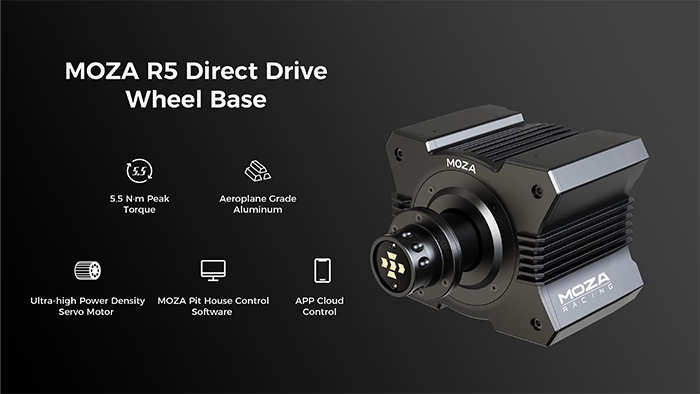
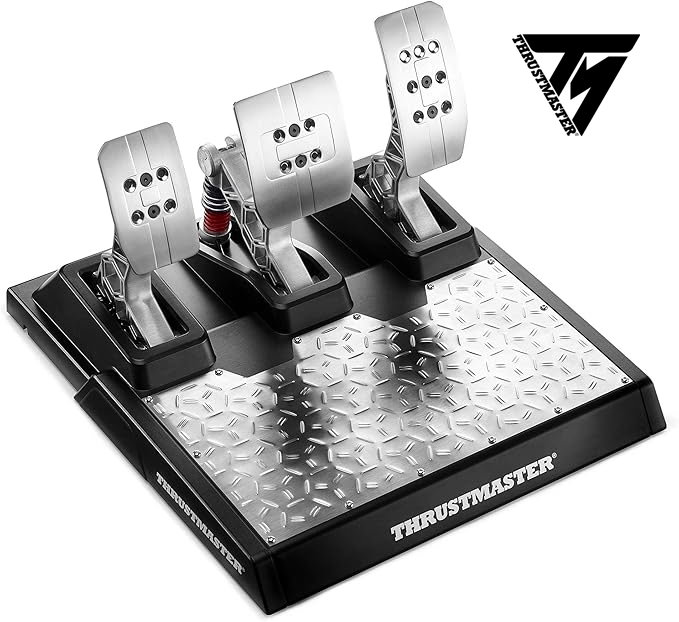
- Volante e Pedali: Investi in un buon volante e set di pedali. Alcuni dei modelli più popolari includono:
- Logitech G29/G923: Ottimo rapporto qualità-prezzo, buona sensibilità e force feedback.
- Thrustmaster T300: Sensibilità migliorata e force feedback più realistico rispetto ai modelli entry-level.
- Fanatec CSL Elite: Scelta premium con eccellente force feedback e personalizzazione.
- Supporto o Postazione: Un supporto stabile o una postazione di guida è essenziale per evitare movimenti indesiderati del volante e per mantenere una posizione di guida corretta.
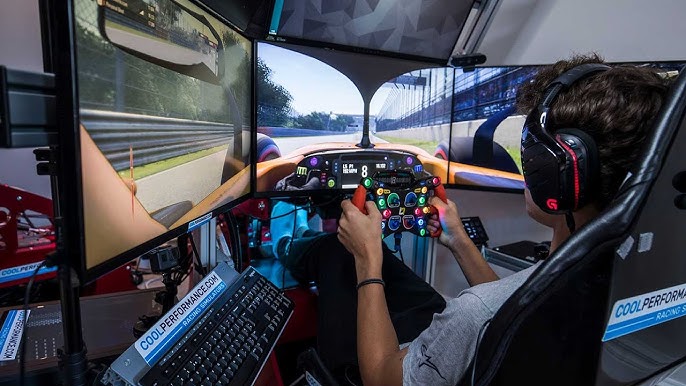
- Display: Utilizza un monitor grande o una configurazione a triplo monitor per una visione più immersiva. I visori VR possono offrire un'esperienza ancora più realistica.
1.2 Configurazione del Software
- Force Feedback: Configura correttamente il force feedback nel simulatore. Questo ti fornirà un feedback realistico dal volante, permettendoti di sentire meglio le condizioni della pista e il comportamento dell'auto.
- Sensibilità del Volante: Imposta l’angolo di sterzata e la sensibilità del volante in base alle tue preferenze e al tipo di auto che stai utilizzando. Ad esempio, le auto da corsa solitamente richiedono un angolo di sterzata più ridotto rispetto alle auto stradali.
Passaggio 2: Conoscere il Simulatore
2.1 Familiarizzare con le Piste
- Giro di Ricognizione: Inizia con un giro di ricognizione lento per imparare il layout della pista, i punti di frenata e le zone di accelerazione. Prendi nota di eventuali particolarità del tracciato.
- Mappe della Pista: Studia le mappe della pista per identificare le curve critiche e i rettilinei. Molti simulatori offrono mappe dettagliate che puoi utilizzare per pianificare le tue linee di corsa.
2.2 Configurazione dell’Auto
- Setup di Base: Utilizza setup di base disponibili nel simulatore o online come punto di partenza. Questi setup sono spesso ottimizzati per bilanciare prestazioni e guidabilità.
- Modifiche Graduali: Apporta modifiche graduali al setup per migliorare il comportamento dell’auto in base al tuo stile di guida. Ad esempio, puoi regolare la pressione delle gomme, l’altezza da terra, l'angolo delle sospensioni e altre impostazioni per adattare l’auto alle tue preferenze.
Passaggio 3: Tecniche di Guida
3.1 Punti di Frenata
- Frenata Progressiva: Applica la pressione sul pedale del freno in modo progressivo e rilascia gradualmente per evitare il blocco delle ruote. La frenata progressiva ti permette di mantenere il controllo dell’auto durante la decelerazione.
- Trail Braking: Mantieni una leggera pressione sul freno mentre entri in curva per migliorare la stabilità e il controllo dell’auto. Questa tecnica ti permette di ritardare la frenata e mantenere una maggiore velocità di ingresso in curva.
3.2 Linee di Corsa
- Apex delle Curve: Cerca di raggiungere l'apice interno della curva per massimizzare la velocità di uscita. Passare sull’apice ti permette di sfruttare al meglio la traiettoria e mantenere una linea pulita.
- Entrata e Uscita: Entra largo nella curva, taglia l'apice e esci largo per mantenere la velocità. Questo approccio ottimizza la traiettoria e ti consente di accelerare prima in uscita di curva.
3.3 Gestione dell’Acceleratore
- Progressività: Applica l'acceleratore in modo progressivo per evitare slittamenti e perdita di trazione. La progressività nell’accelerazione è cruciale per mantenere il controllo dell’auto, specialmente in uscita di curva.
- Bilanciamento: Mantieni un equilibrio tra accelerazione e controllo dell’auto durante l’uscita di curva. Trova il giusto compromesso tra accelerazione e aderenza per massimizzare la velocità senza compromettere la stabilità.
Passaggio 4: Pratica e Analisi
4.1 Sessioni di Pratica
- Regolarità: Pratica regolarmente per migliorare la tua familiarità con l’auto e la pista. La costanza nelle sessioni di pratica ti permetterà di sviluppare riflessi e memorizzare i punti chiave del tracciato.
- Obiettivi Specifici: Imposta obiettivi specifici per ogni sessione, come migliorare il tempo sul giro, la consistenza o una particolare sezione della pista. Lavora su un aspetto alla volta per migliorare progressivamente.
4.2 Analisi dei Dati
- Replay e Telemetria: Utilizza i replay e gli strumenti di telemetria per analizzare i tuoi giri e identificare aree di miglioramento. Osserva i tuoi errori e confrontali con i giri perfetti.
- Confronto con i Migliori: Confronta i tuoi dati con quelli dei migliori piloti per capire dove puoi guadagnare tempo. Studia le loro linee di corsa, punti di frenata e tecniche di accelerazione per apprendere nuove strategie.
Passaggio 5: Consigli Avanzati
5.1 Gestione delle Gomme
- Usura delle Gomme: Monitora l’usura delle gomme e adatta il tuo stile di guida per preservarle. Uno stile di guida più fluido e meno aggressivo può prolungare la vita delle gomme.
- Pressione delle Gomme: Controlla e regola la pressione delle gomme per ottimizzare l'aderenza e la stabilità. La pressione corretta può migliorare significativamente le prestazioni e la gestione dell’auto.
5.2 Adattamento alle Condizioni
- Condizioni Meteorologiche: Adatta il tuo setup e stile di guida alle diverse condizioni meteorologiche, come pioggia o caldo estremo. Ad esempio, in condizioni di bagnato, riduci la velocità e aumenta la prudenza in curva.
- Variazioni della Pista: Considera le variazioni della pista, come la temperatura dell'asfalto e la gommatura, durante la gara. La pista può cambiare nel corso di una gara, influenzando l'aderenza e il comportamento dell’auto.
Passaggio 6: Mentalità e Strategia
6.1 Consistenza
- Concentrazione: Mantieni la concentrazione per tutta la durata della gara. Anche piccoli errori possono compromettere il risultato.
- Pazienza: Non cercare di migliorare tutto subito. La pazienza è fondamentale per un progresso costante e duraturo.
6.2 Strategia di Gara
- Pianificazione: Pianifica la tua strategia di gara considerando soste ai box, gestione del carburante e delle gomme.
- Adattabilità: Sii pronto ad adattare la tua strategia in base agli imprevisti della gara, come incidenti o cambiamenti delle condizioni meteo.
Conclusione
Migliorare la guida nei simulatori di Guida richiede tempo, pratica e dedizione. Segui questi passaggi dettagliati per affinare le tue abilità e diventare un pilota più veloce e consistente. Ricorda che la chiave del successo è la pratica costante, l'analisi dei propri errori e l'adattamento alle condizioni variabili della pista.
Buona fortuna e buon divertimento in pista!
Ascolta l'Articolo
Devi essere registrato per scrivere commenti!
• Registrati
• Per iscriversi